3 Visual Studio tips to optimize your .NET development
Want to boost your productivity in Visual Studio? Here are 3 tips I use all the time to improve my development workflow.
1. Smart debugging: debug at a glance
Use the [DebuggerDisplay] attribute to show key info directly in the debugger. You see your objects' details without expanding them, and gain clarity with zero extra code.
[DebuggerDisplay("User {Name} ({Email}) - Active: {IsActive}")]
public class User
{
    public string Name { get; set; }
    public string Email { get; set; }
    public bool IsActive { get; set; }
}
2. Task Markers: your built-in task system
Structured comments that Visual Studio gathers in the Task List window:
// TODO: plug in business validation
// HACK: temporary workaround for bug #1234
// FIXME: handle disabled accounts
You can easily list improvement points, and even create custom markers (// REVIEW:, // PERF:) in Visual Studio options.
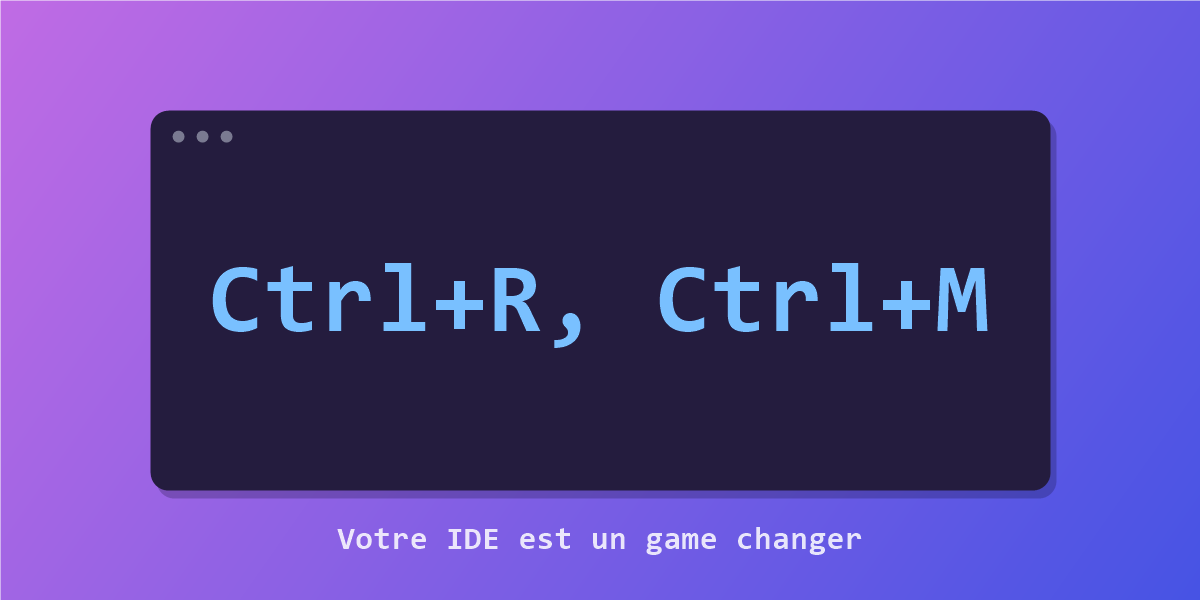
3. Express refactoring: Ctrl+R, Ctrl+M
The magic shortcut: select a code block, hit Ctrl+R, Ctrl+M, and Visual Studio extracts it into a clean method. Better readability and maintainability, lower complexity, in two seconds.
Takeaway: leveling up as a developer is always a goal, but mastering your IDE is a game changer too. These small shortcuts make a difference every single day, and we still don't know all of Visual Studio's "secrets".
This article comes from one of my LinkedIn posts (in French): join the discussion ↗